Every Laravel application writes to storage/logs/laravel.log. When something breaks in production, the usual routine is the same: SSH into the server, tail the file, grep for the error, scroll for the stack trace, and hope the file has not grown to hundreds of megabytes.
Laravel Log Tracker is an open-source package that replaces that routine with a web dashboard inside your own application. It was written by our founder, Khaled Saifullah Sadi, and we use the same approach on our own products.
What it is
Laravel Log Tracker reads your existing log files and presents them in a dashboard you open from the browser. There is no separate service to host and no agent to run: you install it with Composer, publish one config file, and visit /log-tracker.
It has zero extra dependencies, and the exports (CSV, JSON, Excel and PDF) are generated without external libraries.
The dashboard
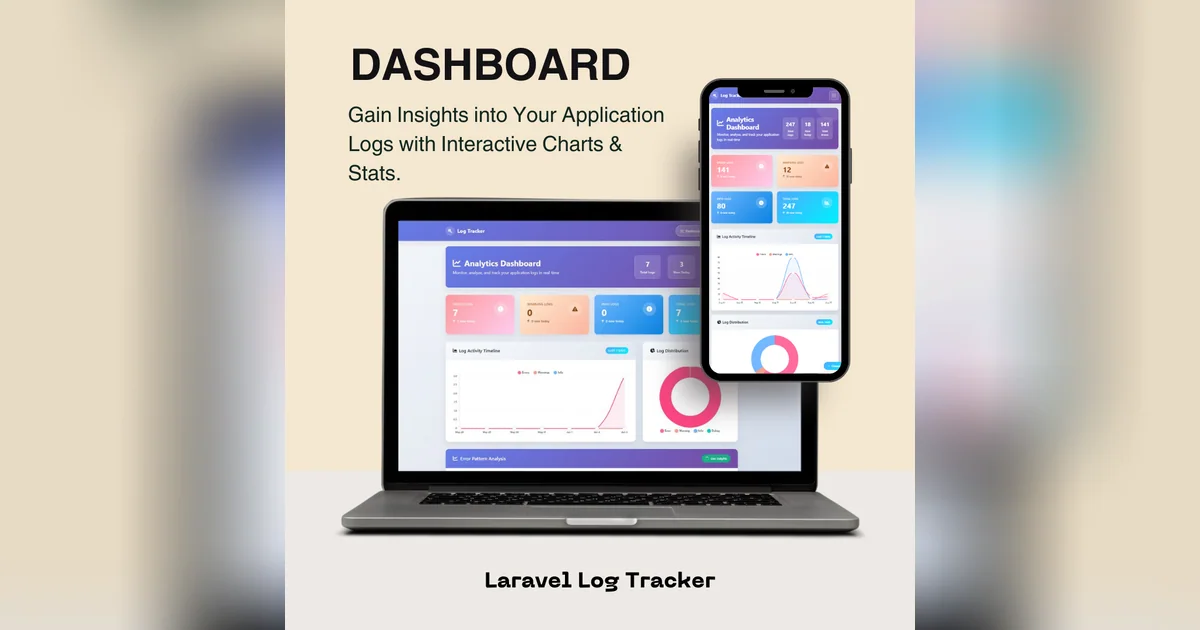
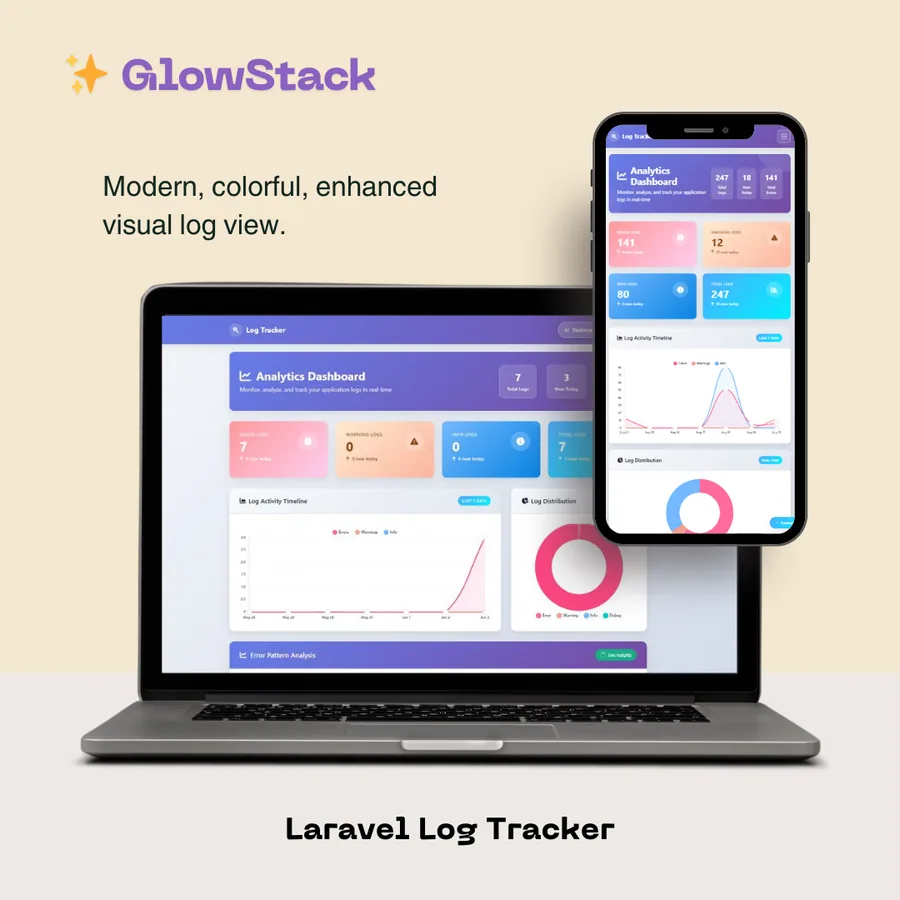
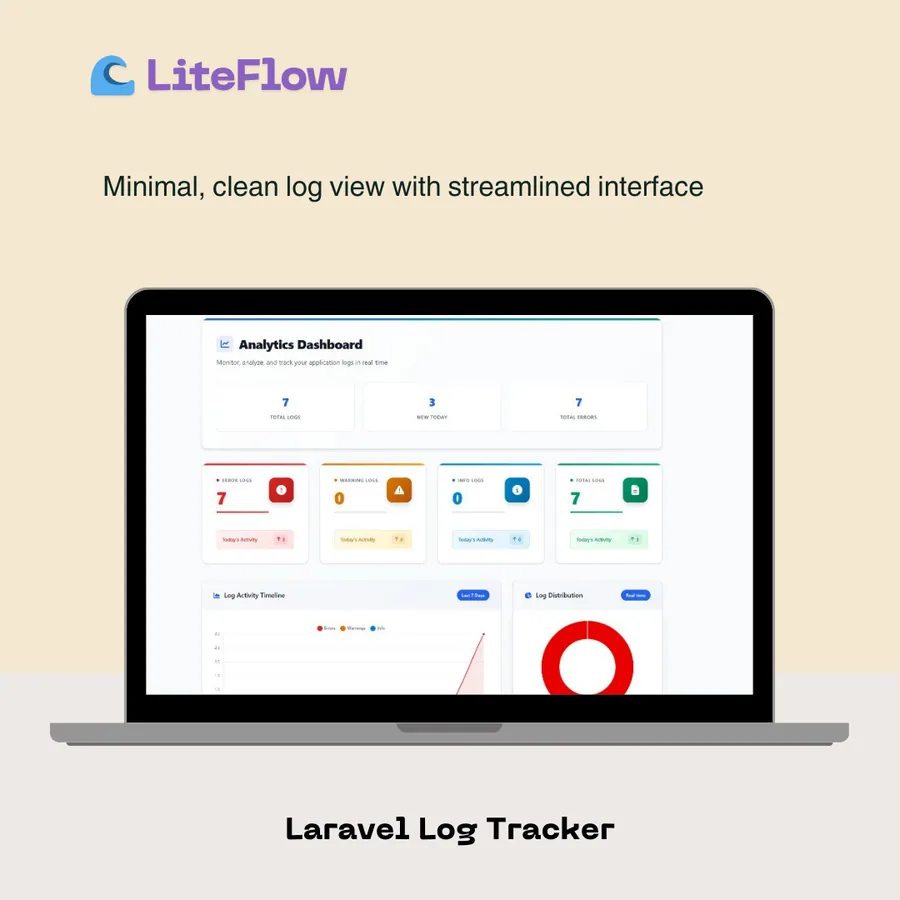
The first screen answers "how are we doing?" at a glance: totals for errors, warnings and info entries, what is new today, a 7-day activity timeline, the log distribution by level, top error types and the busiest hours.
The layout is responsive, so the same dashboard works on a phone when you are away from your desk and something is on fire.
Log files and the log viewer
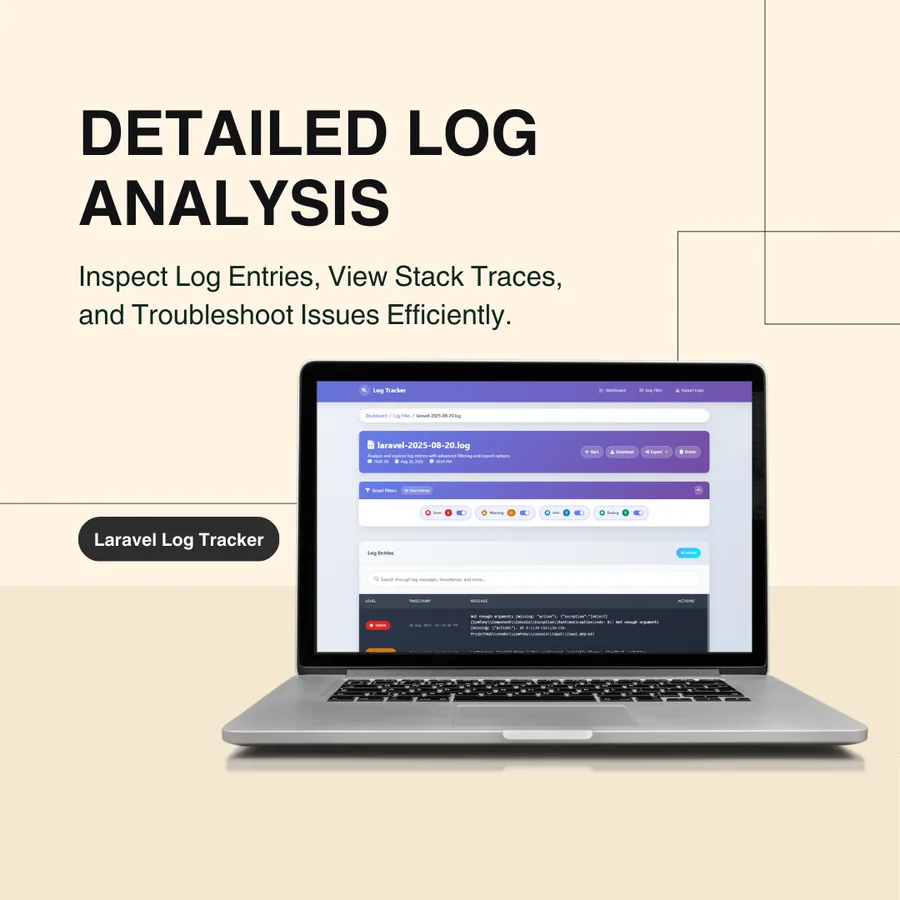
Every log file in your logs directory is listed with its size and a count per level. Open one and you get a viewer built for debugging rather than a wall of text.
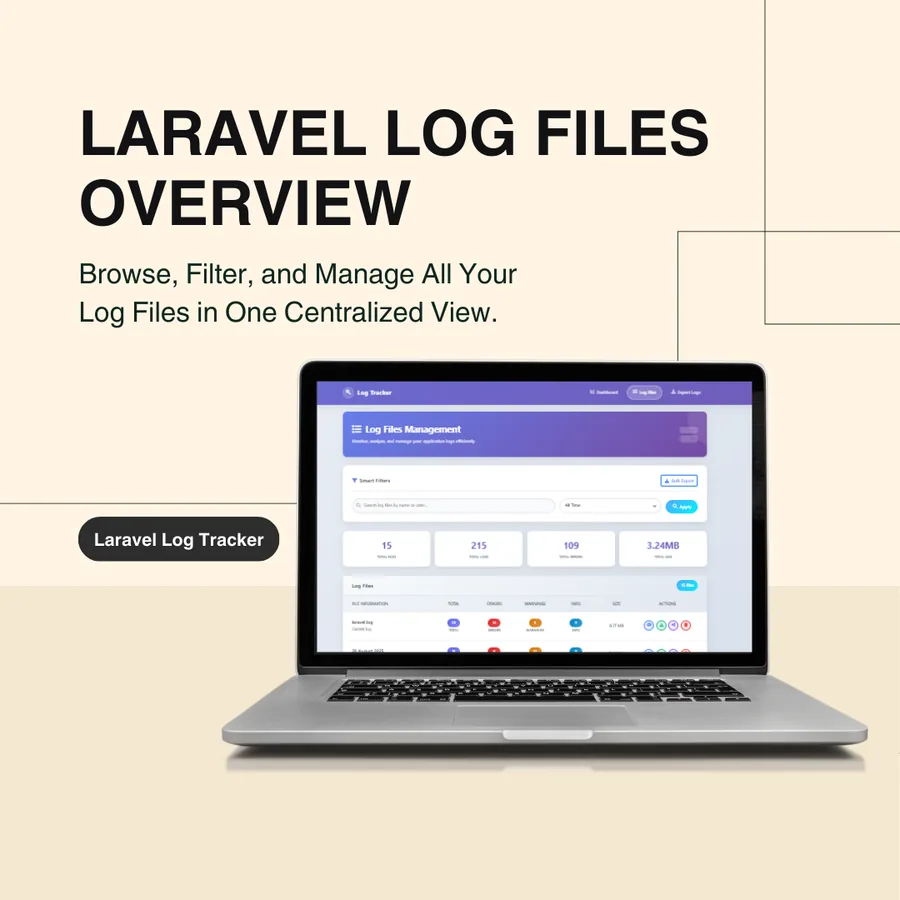
- Level filters and search, with pagination so large files stay usable.
- Expandable stack traces, with copy-to-clipboard.
- Row bookmarks to mark the entries you are working through.
- A frequent-entries panel that surfaces the messages repeating most often.
Search and compare across files
- Global search runs across all log files with keyword, level, date range and file filters. Useful when you do not know which day an error started.
- File comparison shows two log files side by side: entries unique to each, and entries they share. Handy for checking whether a deploy introduced new errors.
Alerts, so you hear about it first
Alerts are off by default and configured in one place. When enabled, the package checks your logs on a schedule and notifies you when the count for a level crosses a threshold inside a rolling time window.
- Channels: mail, Slack, Discord or a generic webhook.
- Thresholds per level, for example one critical entry or fifty errors.
- A cooldown, so the same problem does not message you every minute.
The check runs through Laravel's scheduler, so make sure the usual php artisan schedule:run cron entry is in place.
Exports and themes
Export what you are looking at to CSV, JSON, Excel or PDF, with filters applied, and let old exports clean themselves up.
Two built-in themes ship with the package, and you can add your own: GlowStack (dark) and LiteFlow (light).
Install it in three steps
composer require kssadi/log-tracker
php artisan vendor:publish --provider="Kssadi\LogTracker\LogTrackerServiceProvider" --tag="config"
Then open /log-tracker in your application. The route prefix, theme, page sizes, file-size limit and alert settings all live in config/log-tracker.php.
Safe by default
- Routes use the
webandauthmiddleware by default, so only signed-in users can open the dashboard. Tighten it further with your own middleware. - Deleting and clearing log files from the UI is disabled until you switch it on.
- Files above the configured size limit are not processed, so one huge log cannot take the page down.
Requirements
Laravel 10 to 13. Laravel 13 needs PHP 8.3 or newer, Laravel 12 works with PHP 8.1 to 8.4, and Laravel 11 and 10 work with PHP 8.1 and above (see the documentation for the exact matrix).
Why we open-sourced it
Good tooling for running an application should not need a paid monitoring subscription to answer a simple question: what went wrong, and how often? The package is MIT licensed, free to use and open to contributions.
- Documentation: kssadi.github.io/Laravel-Log-Tracker
- Source: github.com/KsSadi/Laravel-Log-Tracker
- Package: packagist.org/packages/kssadi/log-tracker
If you use it and it saves you an evening, a GitHub star helps other Laravel developers find it. And if you need a Laravel application built or audited by the same team, book a free consultation.